Bilicube Journal
Practical notes on design, research,
and creative work with AI.

How to Use AI for Design System Documentation
AI can make design-system documentation faster to draft, but speed does not make generated text authoritative. The safest role for AI is a drafting and restructuring layer: give it approved information, ask it to organize that information, then verify every meaningful claim against the actual system before publication. That boundary matters because documentation describes behavior other people will rely on. An incorrect state, token value, accessibility note, or usage rule can send a designer or engineer in the wrong direction. The practical goal is not to automate ownership. It is to reduce the mechanical work of turning scattered knowledge into a page that a maintainer can inspect and approve.

A Gated AI Research Workflow for Designers
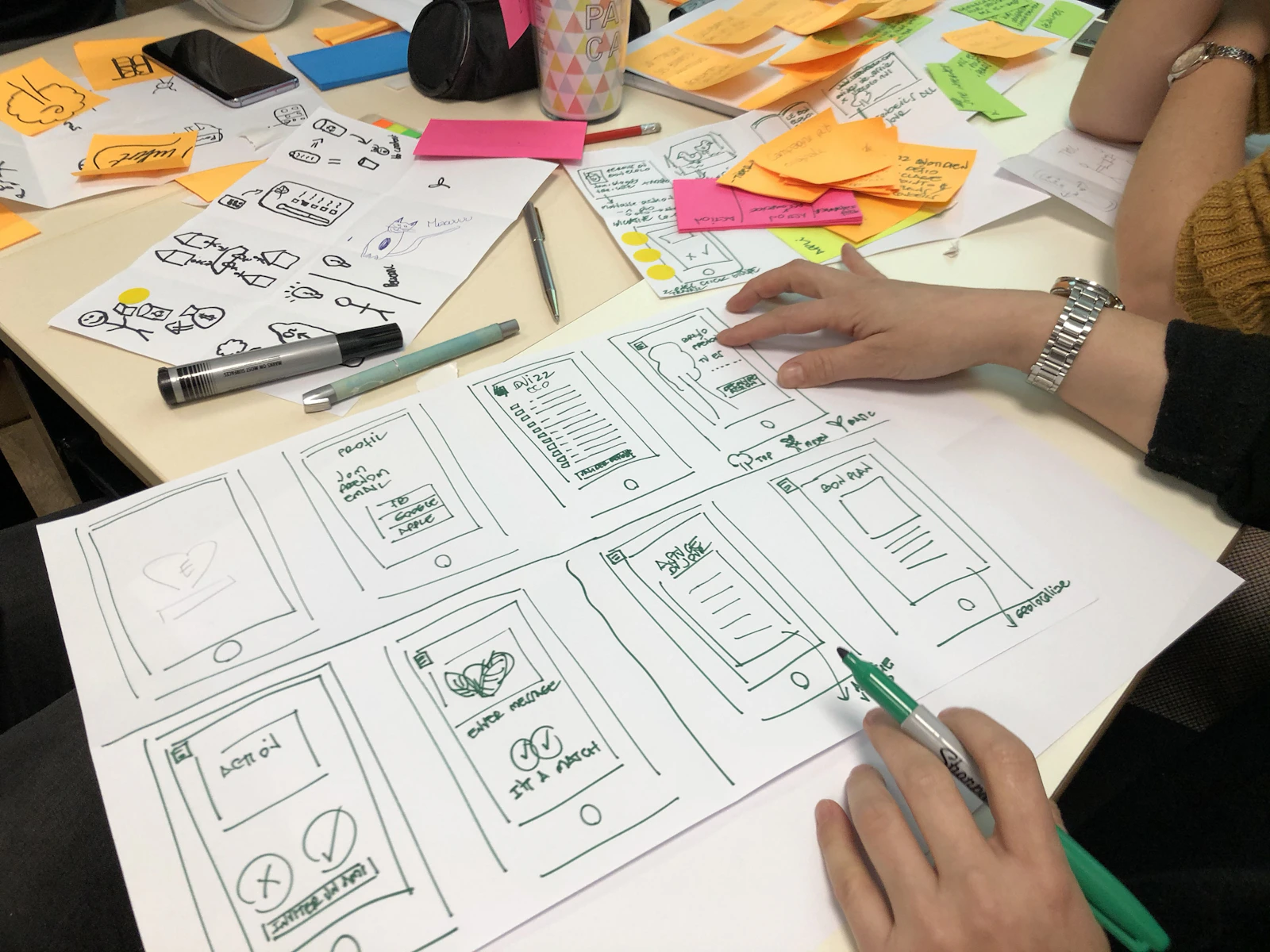
An AI research workflow for designers should not be an automated line from interview notes to finished interface. The safer pattern is a sequence of bounded handoffs: AI can organize material, suggest interpretations, draft briefs, generate concepts, and prepare test assets, while a designer or research lead approves what moves forward. That distinction matters because the supplied examples describe AI across several stages of design work, but they do not establish that AI improves research quality, reduces total project time, or replaces user research. One surfaced workflow spans ideation, wireframing, usability testing, and developer handoff (LinkedIn). Another describes a design sprint from problem definition to a tested prototype (AI UX Playground). These are workflow descriptions, not independent evaluations of their results.